Lenny Kioko
MT5 Dark Mode Template
Professional dark theme for MT5
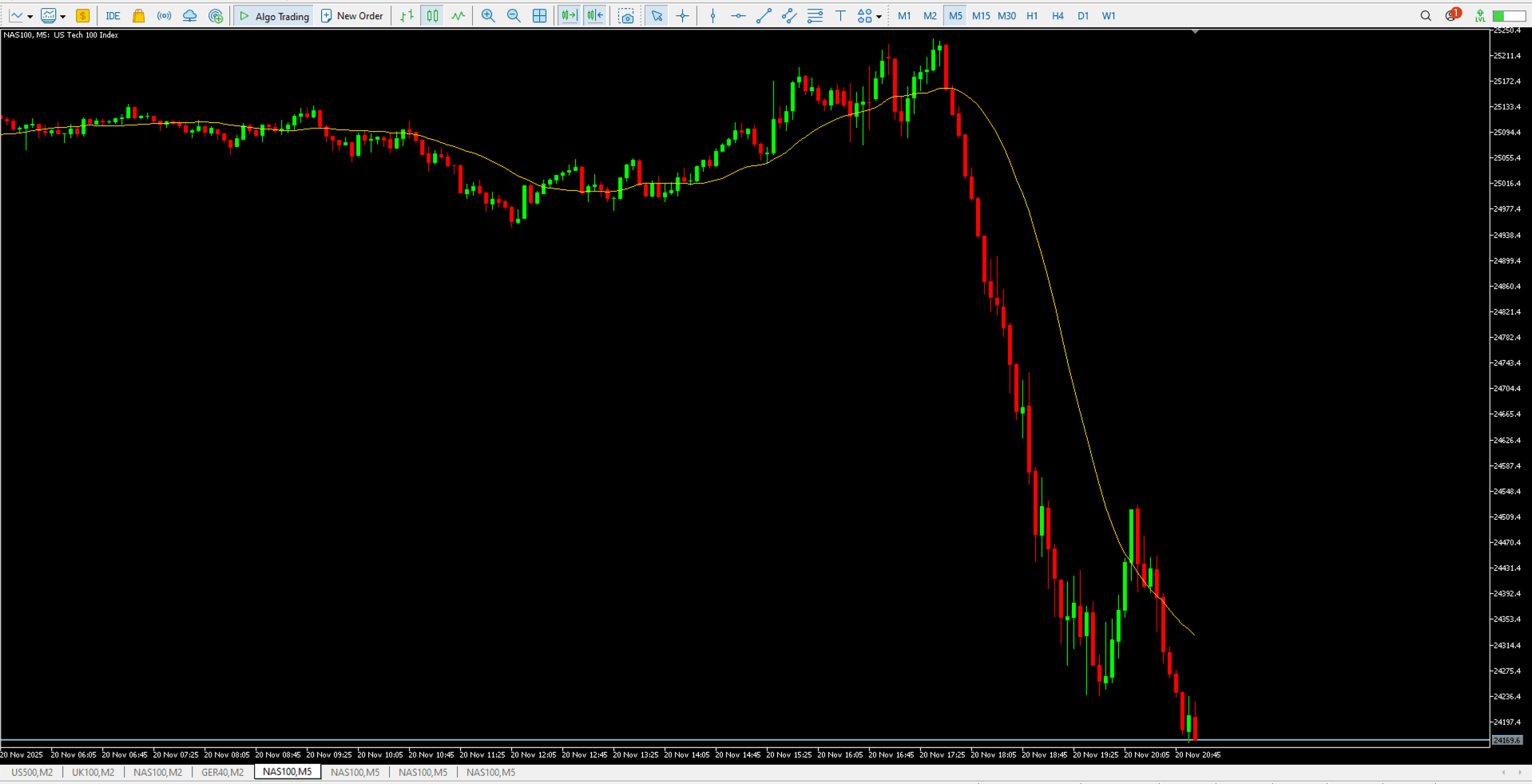
The DarkTemplateMT5 is a professionally designed chart template with a dark color scheme optimized for reduced eye strain during extended trading sessions on MetaTrader 5. It provides clean visuals with high contrast elements that make price action and analysis tools stand out clearly.
Key Features
- Eye-Friendly Design: Dark background reduces screen glare and eye fatigue during long trading hours.
- High Contrast Colors: Carefully selected colors for candles, grids, and text ensure maximum readability.
- Professional Appearance: Clean, distraction-free layout that keeps your focus strictly on price action.
- Instant Setup: Apply the template to any chart and have your preferred color scheme instantly loaded.
Installation Guide
Download the template file. In MetaTrader 5, go to File > Open Data Folder, then navigate to Profiles > Templates. Paste the file there. Right-click on any chart, select "Templates," and choose "DarkTemplateMT5" to apply it.